DocReady
Photo Resize in KB & PDF Tools
Applying for an exam or a government job? DocReady gets your photo, signature and documents to the exact size the form asks for, checks them against its limits, and keeps every file on your phone.
Sized to fit. Accepted the first time.
14
Exam checklists
0
Uploads
0
Accounts needed
Every file a form asks for
Photo, signature, thumb impression, declaration and PDF, each checked before you upload.
Made for application forms
No more guessing whether your photo is too big, too small or the wrong shape.
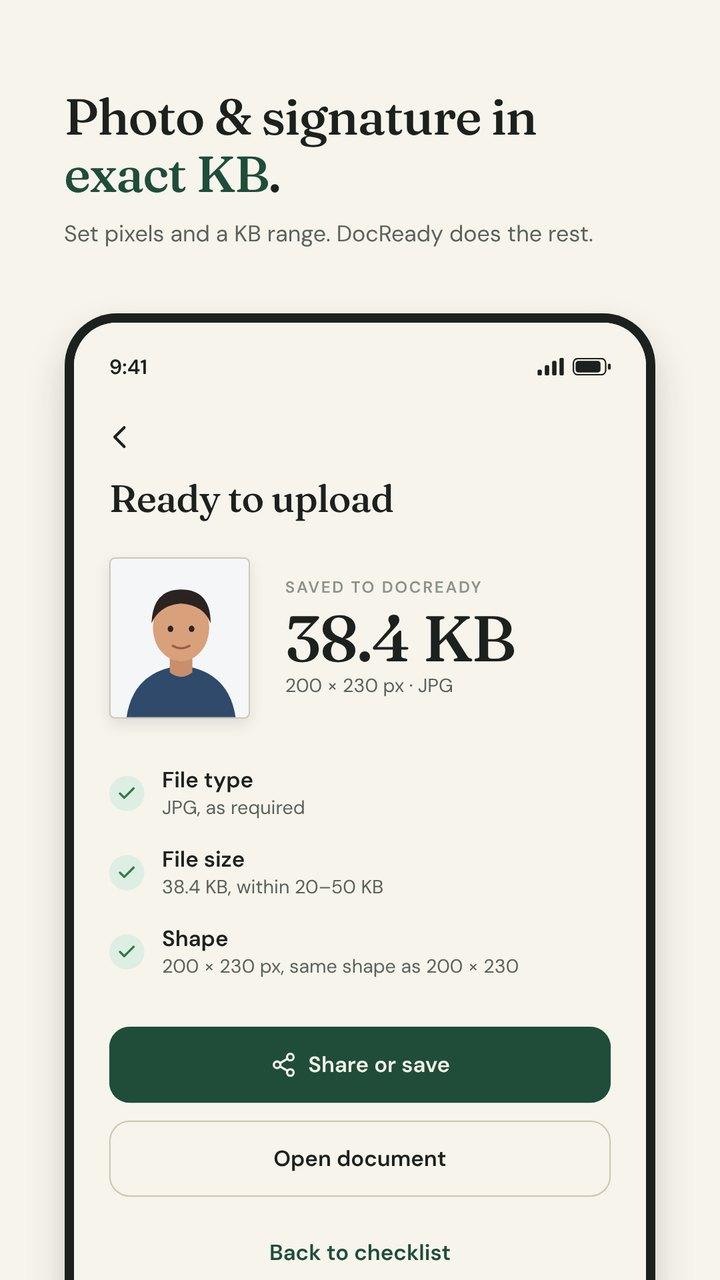
Photo and signature to exact KB
Set the pixels and the KB range the form asks for, like 200 × 230 px and 20–50 KB. DocReady finds the best quality that fits and checks the result before you upload.
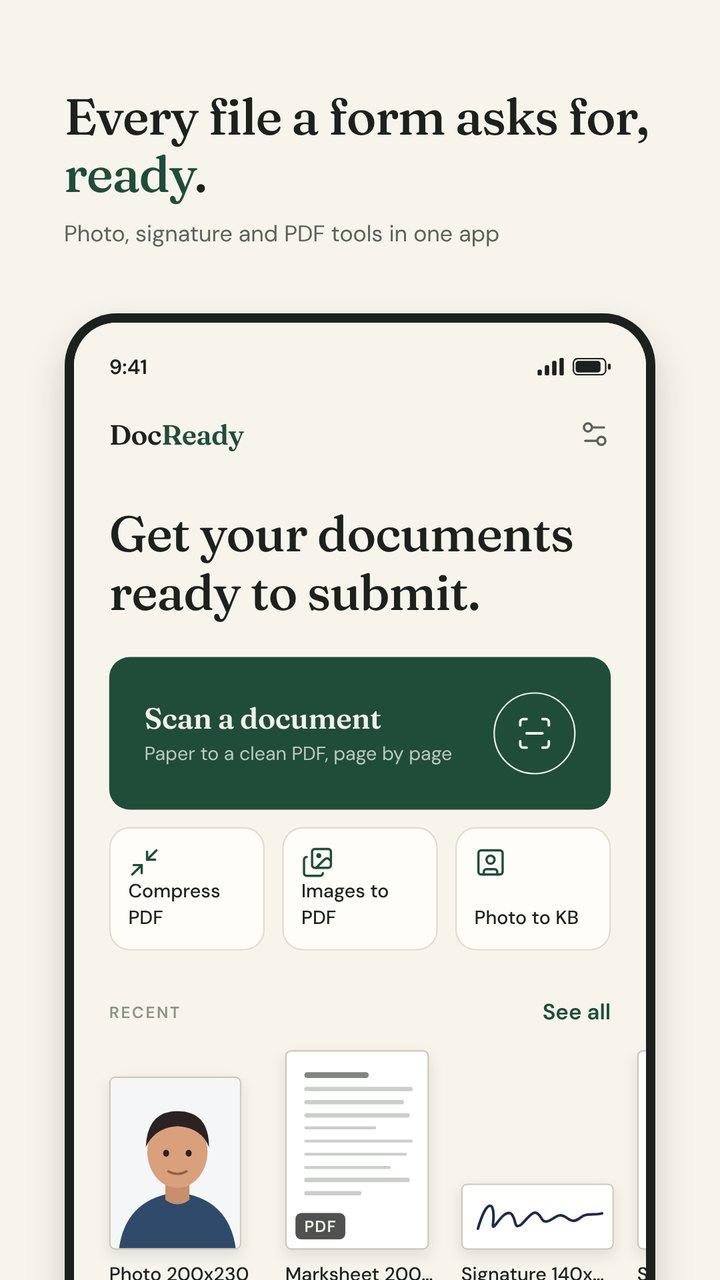
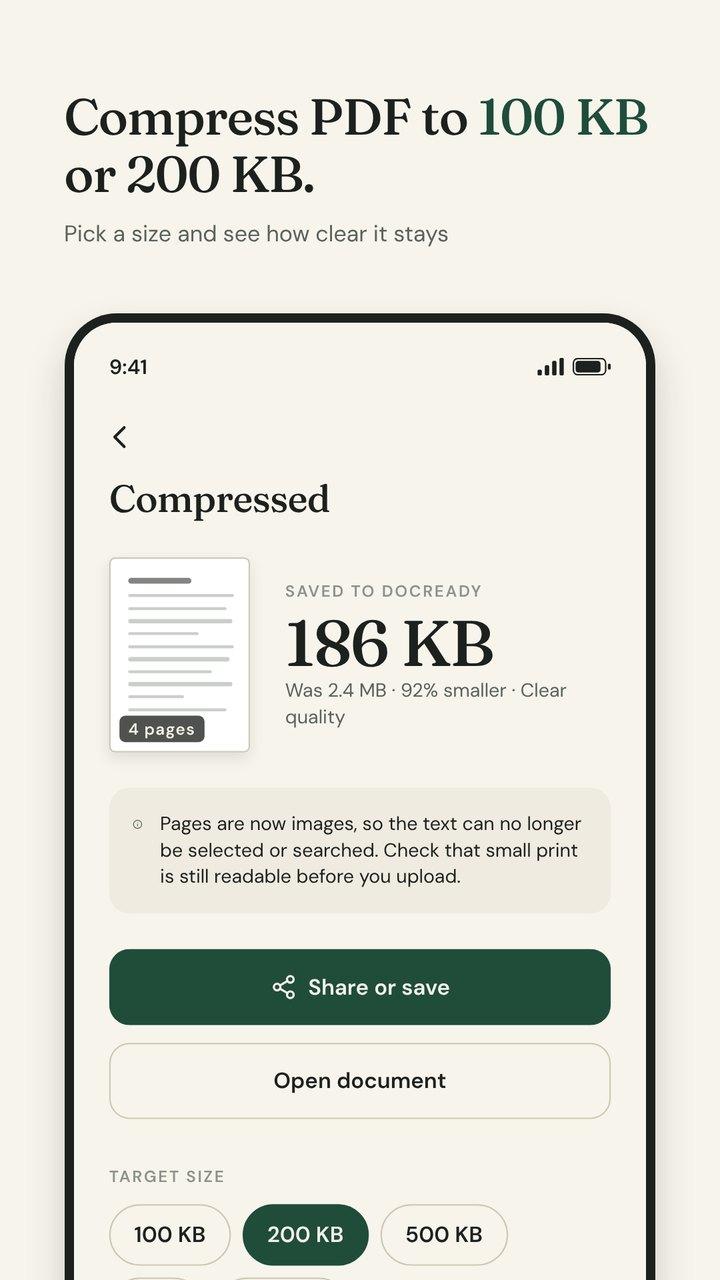
Compress PDF to a size
Shrink a mark sheet or certificate to 100 KB, 200 KB, 500 KB or any size you need, and see how clear it still looks before you share it.
Checklists for your exam
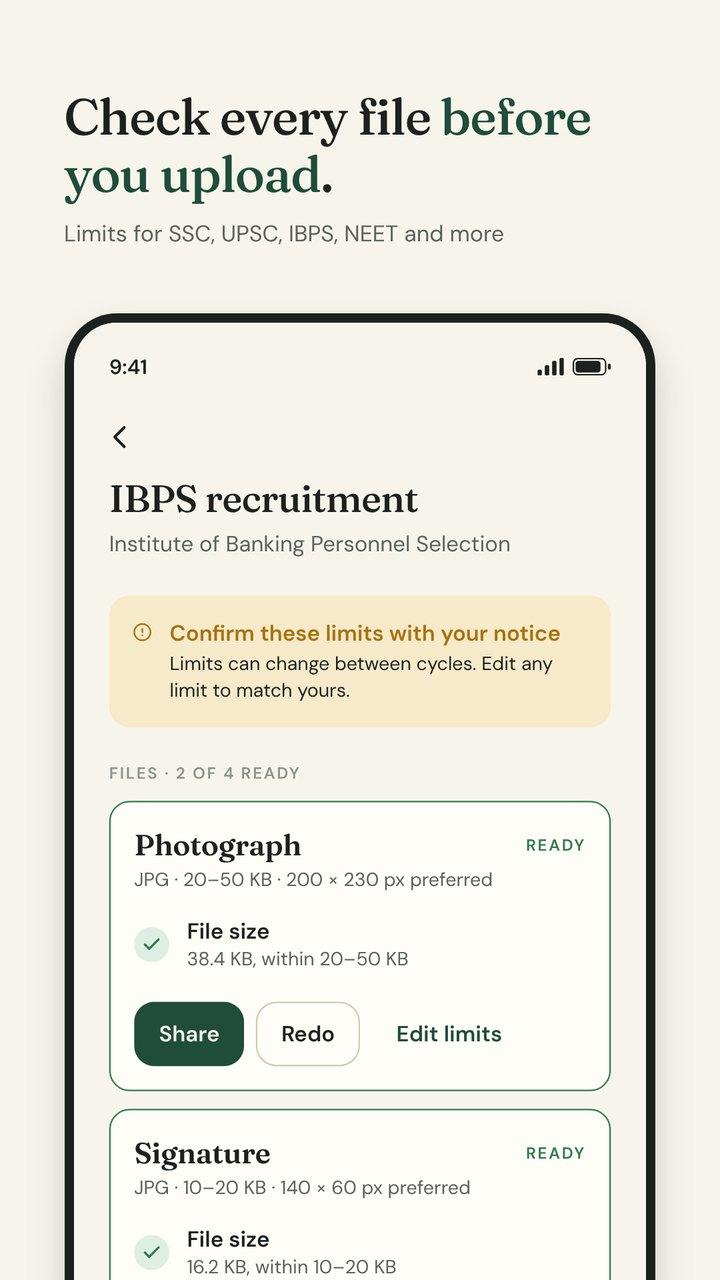
Pick SSC, UPSC, IBPS, SBI, RBI, Railway RRB, NEET, JEE Main, CUET, GATE, CAT, CLAT, UGC NET or LIC, and see every file the form needs with its limits. Edit any limit to match your own notification.
Scan to a clean PDF
Scan certificates, ID cards and forms. Edges are found and straightened for you, and many pages go into one PDF.
Every PDF tool you need
Merge files, split or extract pages, reorder and rotate pages, turn images into a PDF or save each page as a JPG. A built-in viewer lets you check the result.
Passport size photos
Crop to 35 × 45 mm or 2 × 2 inch at print resolution, and make a 4 × 6 or A4 sheet of copies ready for the photo shop.
Your documents never leave your phone
Scanning, resizing, compressing and checking all happen on your device. There is no account, no cloud and no upload server, so your certificates and ID cards stay yours.
The free version shows ads and allows three saves a day; watching a short ad unlocks one more, and a single purchase removes ads and limits for good. What the ads involve is set out in the Privacy Policy, and how the purchase works is covered in the Terms of Use. Questions? Visit DocReady Support.
DocReady is an independent app. It is not affiliated with, endorsed by or connected to any government body, exam board or recruitment agency. Size limits are compiled from public notifications and can change; always check your official notification before you upload.
Coming soon to Android
Get your documents ready
Free on Android. Your next application, sized to fit.